
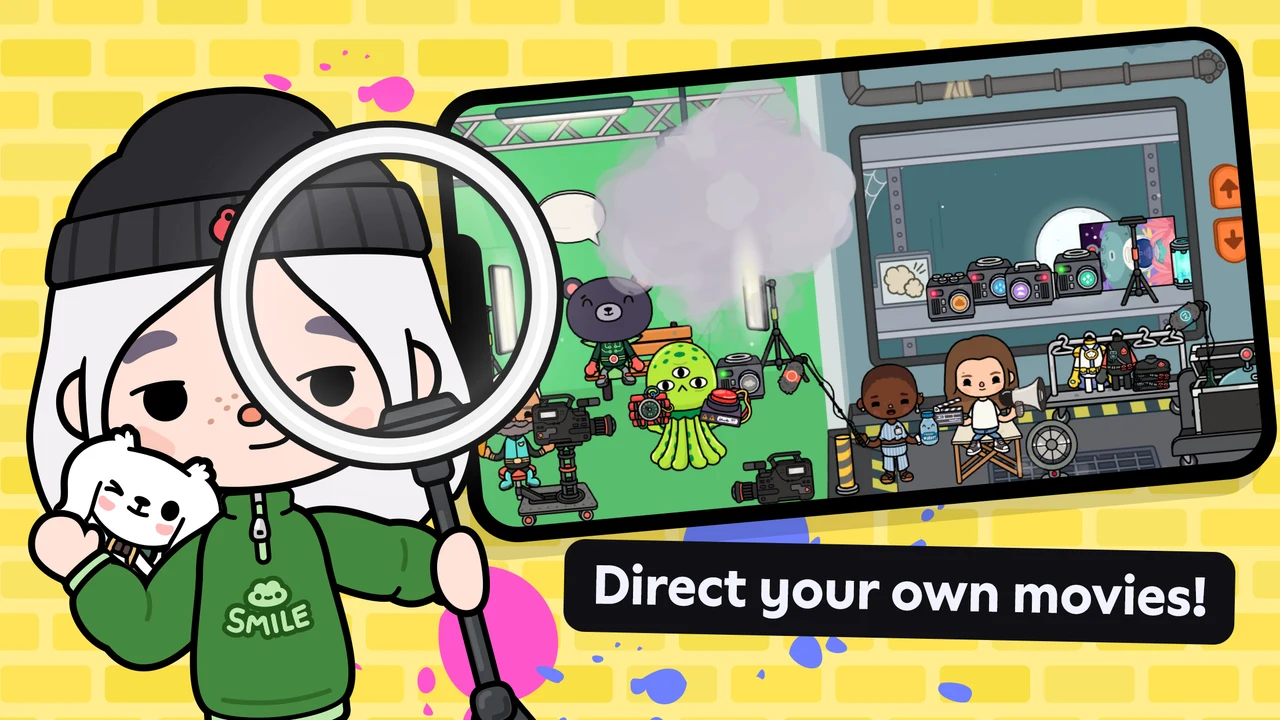
When you look for Toca Boca All Unlocked, you are usually looking for more freedom to create: places for a story, furniture for a home and choices for your characters. Those are related parts of the game, but they are not the same kind of content.
Use this page as a starting point. Pick the part of the world you want to explore, then open its focused guide. For a download, choose the device page rather than following installation instructions for another platform.
What do you want to create?
| Start here | What it helps you do | Go a little deeper |
|---|---|---|
| Locations | Give the cast somewhere to visit | Find places for a story |
| Home Designer | Build and arrange a home base | Plan a house and room |
| Furniture | Choose the pieces that make a room useful | Find furniture for your room |
| Character tools | Create recognizable people and outfits | Build your cast |
The guides cover shared gameplay ideas for iPhone, iPad and Android. A named house, location or pack still needs to be checked against the release on your device. A general game image does not establish that every item is included in every edition.
Locations are the settings for your story
A school, shop or hangout gives the cast a reason to leave home. Choose a familiar place first and add a second destination when the story needs it.
The cover artwork shows characters making a film. It is one way a setting, props and a small cast can work together. You can use the same idea for a school day, a visit or a surprise gathering without turning it into a complicated production.
The locations guide includes a small route to help you connect places into one story.
A house and its furniture do different jobs
Home Designer provides the place to arrange. Furniture gives each part of that space a purpose. Choosing a house does not mean every furniture theme belongs to the same pack.
This catalog image shows furniture collections alongside named houses. Read the actual entries rather than treating everything on the screen as one bundle.
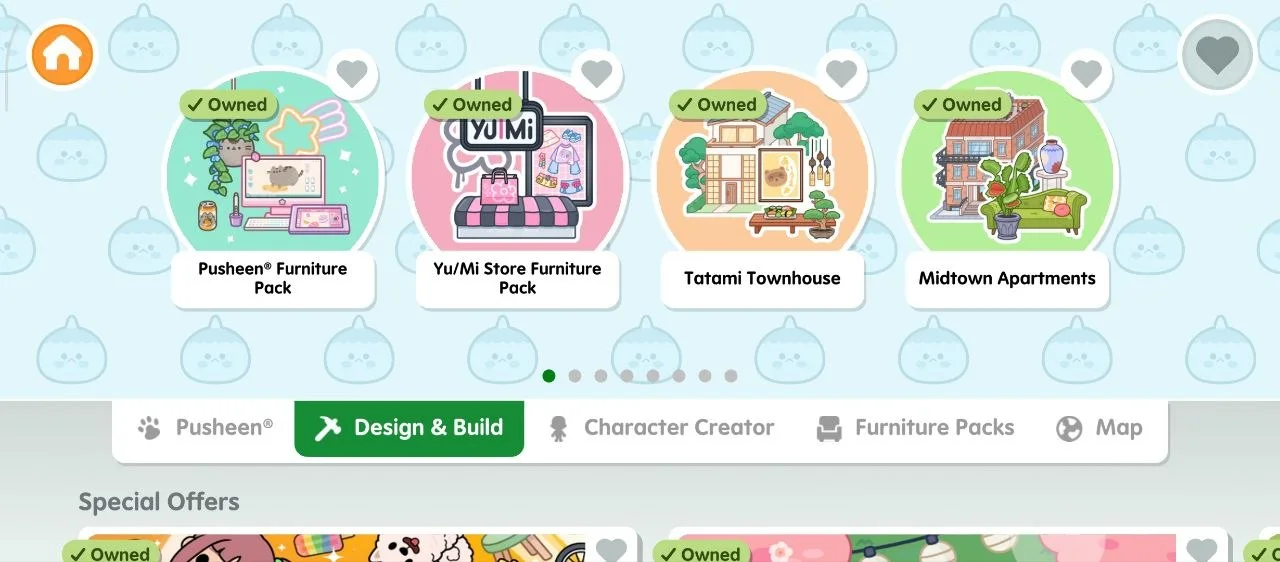
For the layout, start with Home Designer. For the pieces inside it, use the furniture guide. Keeping those jobs separate makes a large selection easier to navigate.
Characters connect one scene to the next
The world feels more connected when the same people appear in different places. Start with a small cast and give each character a recognizable color, hairstyle or accessory.
Character Creator and Outfit Designer serve different tasks. Use the character guide to understand the distinction and plan looks around a scene, rather than choosing every detail at once.
Choose the download for your device
The gameplay categories can be shared, while installation methods differ. Use the iPhone & iPad All Unlocked page for Apple devices or the Toca Boca MOD APK Android page for Android.
Start the matching download route, let preparation finish and follow the instructions opened by Verify & Download. Check your device and existing creations before making changes to an installed game.
Keep a useful record of your world
For a favorite room or outfit, save a picture and note the house, category or pack where you found the pieces. When you change releases, that small record makes it easier to identify what you were using.
For the publisher’s description of the underlying game and its creative tools, see Toca Boca World. For a problem with access or installation, visit Bocamod download help with the device and exact step you reached.