
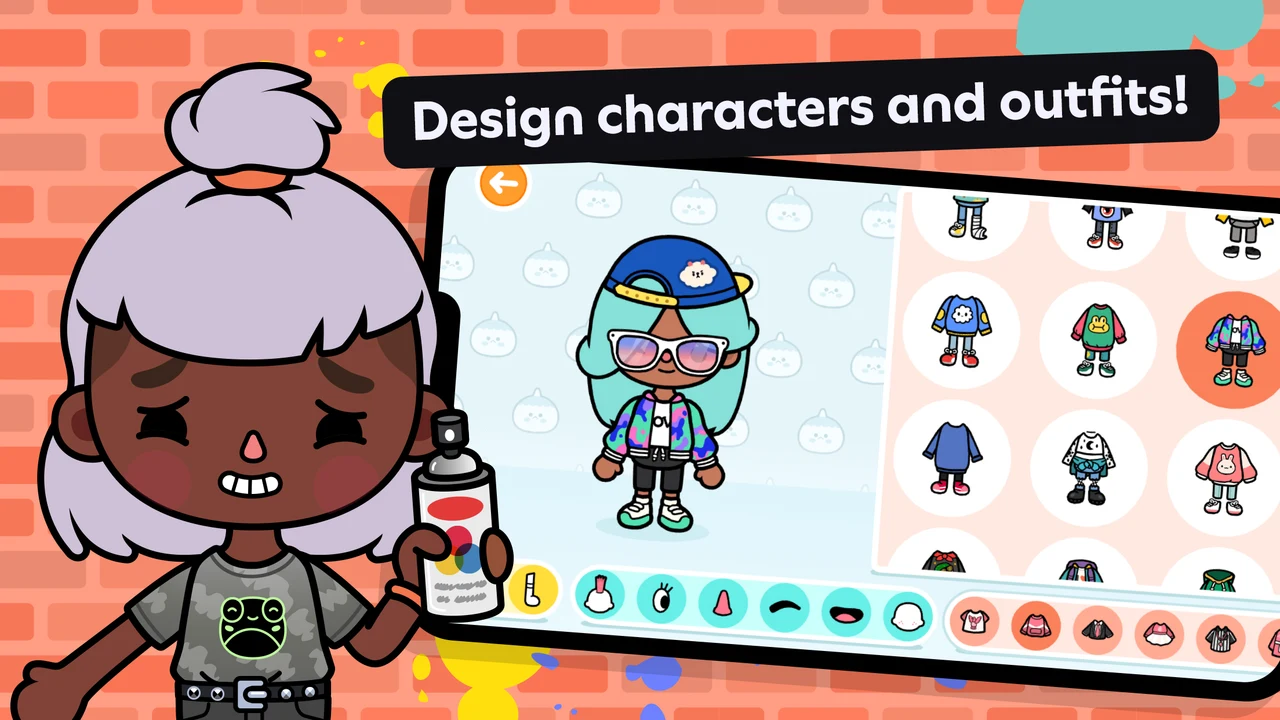
Your Toca Boca cast does not need to be large to feel like a world. A few recognizable characters can carry many different stories. Give them a reason to meet, a place to return to and one detail you remember about each of them.
Character Creator and Outfit Designer help with different parts of that process. This guide separates the tools, then gives you a small cast-planning exercise you can use with the choices available in your game.
Character Creator and Outfit Designer
Character Creator is where you make and customize characters. Outfit Designer focuses on combining clothing pieces. Style Packs can add customization content, but the two tools do not accept every item in exactly the same way.
For the Outfit Designer workflow, open the creator tools on the map and choose the mannequin. The publisher explains how its clothing categories and saved outfits work in the Outfit Designer guide.
That distinction helps when you cannot find a piece: check the tool and the relevant category before assuming an entire pack is missing. The exact options depend on your installed release and available content.
Start with a role, then choose a look
Decide what the character does in the next scene. A neighbor bringing a gift, a student meeting a friend and someone opening a café all give you different starting points.
Choose hair, colors and accessories around that idea. Keep one strong visual detail rather than changing everything at once. You should be able to recognize the character in a different outfit.
Try a three-character cast
Here is a simple cast you can adapt. These are original story prompts, not named characters or unlockable items from the game.
| Role in the story | A recognizable detail | A reason to meet |
|---|---|---|
| The new neighbor | A warm-colored outfit | Brings something to the house |
| The friend with a plan | A favorite accessory | Organizes the afternoon |
| The curious visitor | A repeated accent color | Notices something the others missed |
Begin with one ordinary scene: the new neighbor arrives while the other two are arranging a room. A missing cup, an unexpected gift or a change of plan gives everyone something to do.
Give one character more than one outfit
Think about where the day takes them. A character might leave home, meet someone and return for a small celebration. Make the clothes fit those scenes while repeating a color or accessory.
For Outfit Designer, use the pieces provided within that tool and any applicable Style Pack pieces. The publisher notes that gifts and Character Creator outfits are not interchangeable with all Outfit Designer inputs. Keep that limitation in mind when planning a look.
Take a picture of a favorite combination so you can refer to it later. A screenshot records the look; it is not a backup of your character data.
Put the cast somewhere that belongs to them
A character becomes easier to write when their surroundings tell you something about them. A small collection on a shelf, a table set for friends or a bag beside the door can be enough.
Use the Home Designer guide to make a home base. Then choose a destination from the locations guide. Reusing the cast across places makes the story feel connected.
If a changed character seems to be missing
The publisher’s missing characters guidance explains that editing a character can mean placing them into a scene again from the sidewalk. Check there before rebuilding the entire cast.
For the main content categories, return to the Toca Boca All Unlocked overview. For installation or loading problems, use the help page that matches your iPhone or iPad or Android device.