
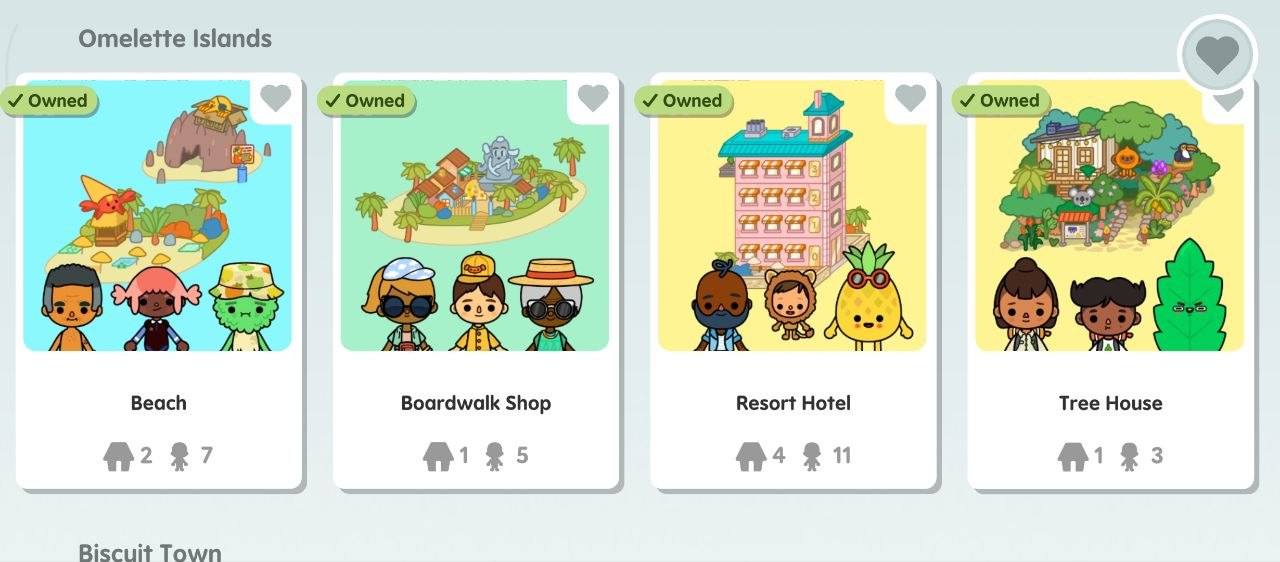
Explore Toca Boca MOD APK’s unlocked world comfortably on Android. If a busy location looks cramped or a room feels slow to use, check display readability, touch controls and performance separately.
Make the scene easier to read
Test a simple room with a few large objects. Check whether text and controls are comfortable at your device’s normal display settings. A crowded arrangement can be difficult to use even when the app runs smoothly.
Isolate a slowdown
Compare one familiar location with a busier one. Note whether the problem appears immediately, after a long session or around a specific object. Restart normally and test the same action again.
Use the settings available in your installed version and test one change at a time. Keep the same scene open when comparing results.
Keep a useful report
Record the phone model, Android version, app version and location. If a problem appears only in one house, a short video can show the trigger more clearly than a general description.
Review device requirements and the publisher’s current issue report before replacing the app. If the main problem is selecting small props, simplifying the scene may be a better first step.