
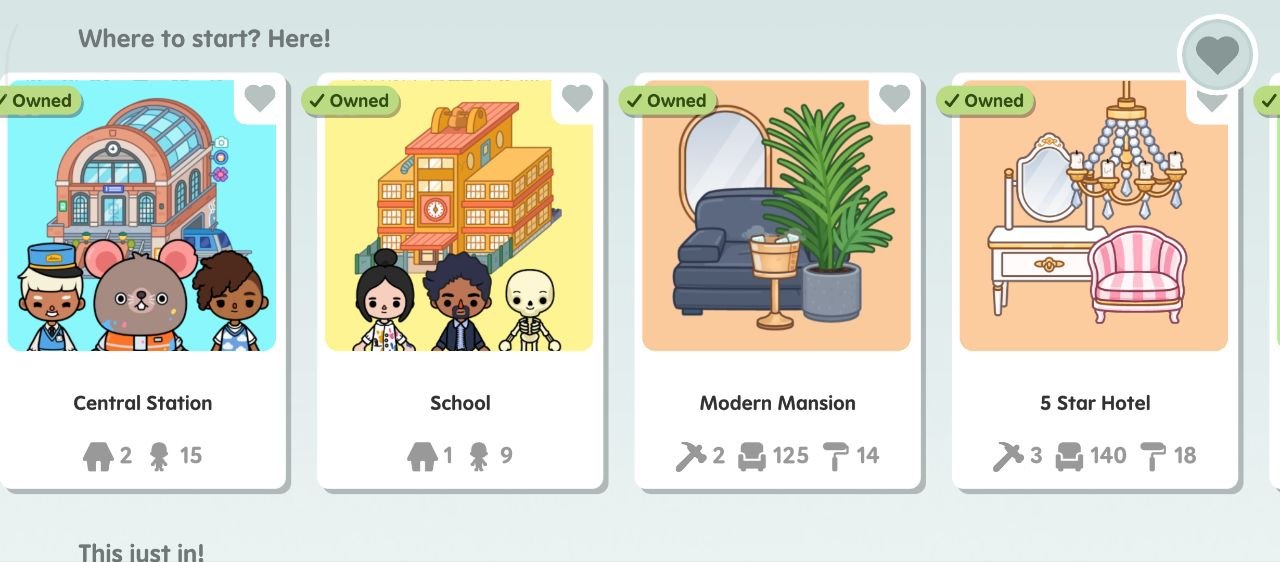
The best way to use an unlocked Toca Boca world is to give the extra content a purpose. Choose a character or a place first, then build the rest around it.
Connect locations
Use a home as your recurring setting and another place as the destination. Keep the same lead character so the move feels like part of one story.
Save favorite styles
Capture a finished outfit before trying another. A recognizable color or accessory helps the character stay consistent across different locations.
Decorate by activity
Choose what happens in a room before adding furniture. Place the objects needed for that activity first, then add themed decorations.
Keep small props visible
On iPhone, clutter can make an important object harder to select. Leave some clear space around the prop that drives the scene.
Finish before changing everything
Capture a room you like before rearranging it. Return to the map before ending a session. Those habits help you keep design references while exploring more unlocked content.
Start the iOS edition through iPhone on Bocamod. If you need setup help first, use the installation guide below.