
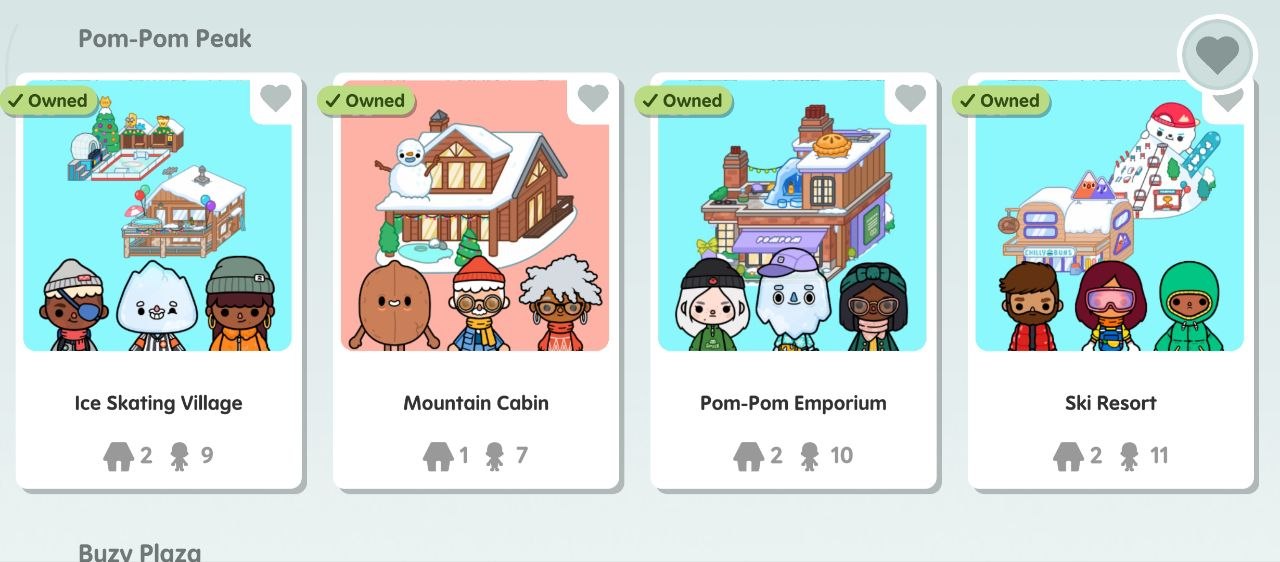
With Toca Boca All Unlocked on iOS, you can start exploring the content you want to use rather than planning every session around obtaining another pack. Pick a place, create your cast and build from there.
First: explore the map
Open a familiar location, then visit somewhere you want to add to a story. Learn the objects and characters in that place before moving on.
Next: create a cast
Choose a few characters and give them recognizable styles. Use the unlocked customization options to distinguish their roles.
Then: make a home base
Choose a house or room and arrange it around the cast. It can become a setting you return to between visits to other locations.
Keep what you make
Capture favorite outfits and rooms as references. Finish a session by returning to the map before closing the game. Screenshots record designs but are not a restorable save file.
Toca Boca’s open-ended play does not need an invented experience-point ladder. Your progress is the world you create. For access, start with iPhone in Bocamod’s download section.