
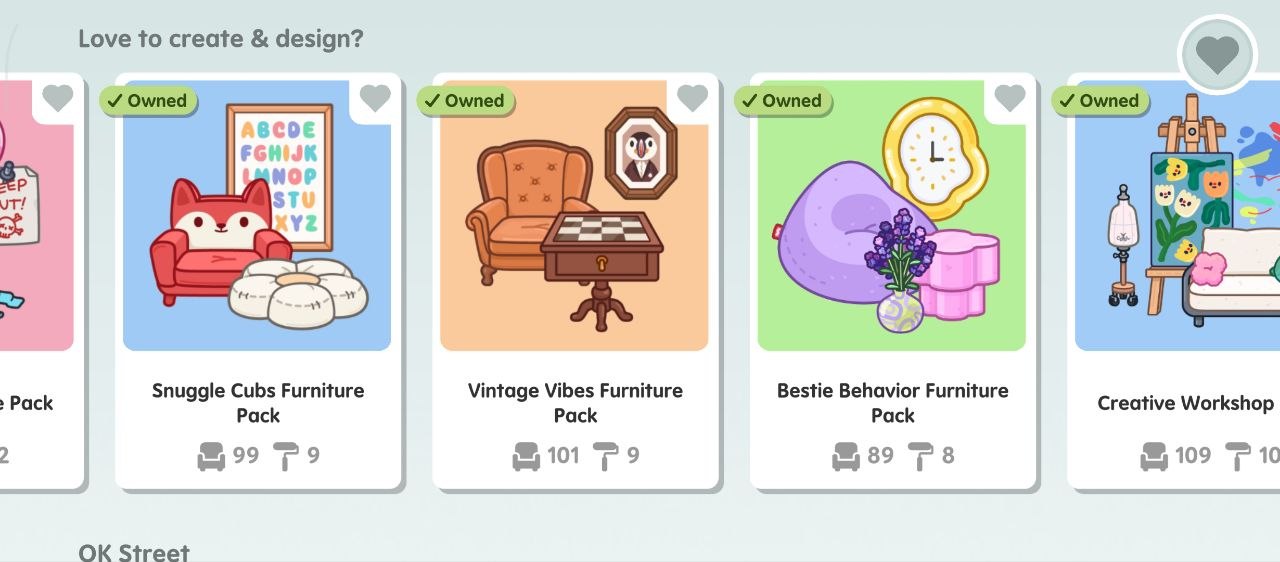
Restoring a purchased pack and restoring a decorated room are different tasks. Before an update, app replacement or device move, make a record of the world you want to keep.
Make a practical record
Capture each room from a useful angle, save close-ups of complicated corners, and note the house and packs used. Record your app version and store account. These notes help you rebuild or explain a problem; screenshots do not restore game data automatically.
Finish a session deliberately
The publisher’s reset guidance recommends returning to the map using the location exit before closing the game. Build that into your routine after a long decorating session.
Purchases and creations
For the App Store edition, purchase restoration uses the Apple ID that made the purchases. It should not be described as a complete cloud backup of every room and character. Changing stores or accounts creates further limits.
If another installation method requires deleting your current copy, check the local-data impact first. Do not assume an IPA with a similar name will recognize existing saves. Keep the last working copy intact while investigating a problem.