
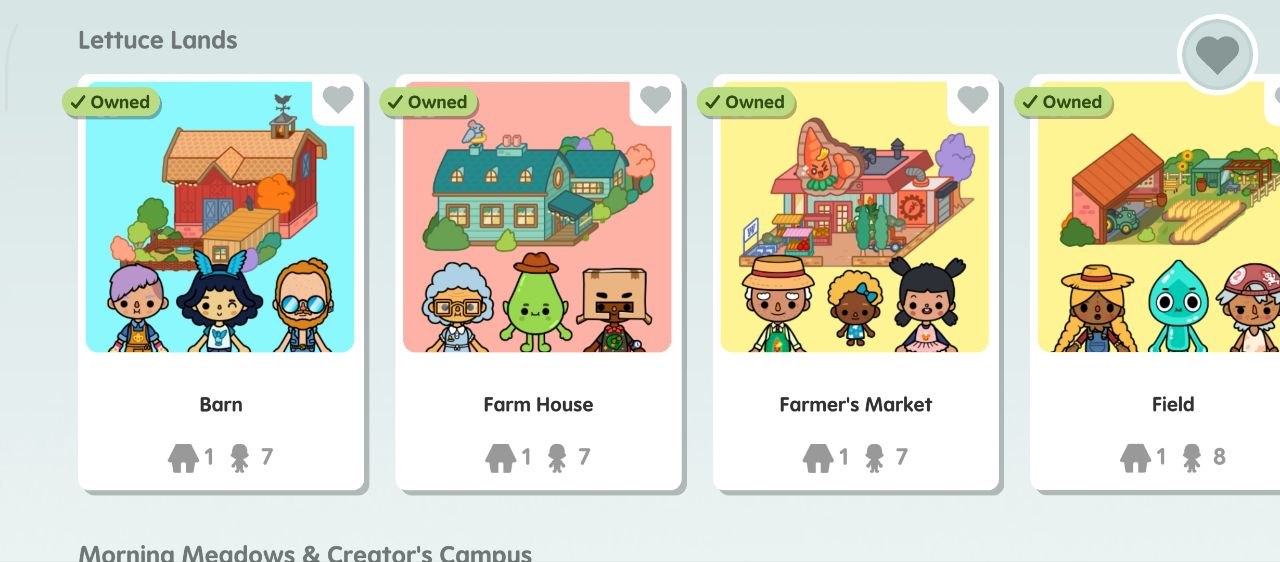
An in-game screen, a website tab and an access-provider offer belong to different services. If you see an advertisement or promotion, first identify where it appears.
Locate the screen
- Is Toca Boca World open as an app?
- Is Safari showing a website or another tab?
- Is the in-game shop showing a pack?
- Did a link take you to an access provider?
A screenshot with the app or browser context makes this easier to explain.
What the standard app describes
The publisher’s App Store description identifies the standard game as ad-free while listing optional in-app purchases. That description should not be treated as a verification of every separate IPA or external website.
Bocamod’s access route
The iPhone button opens a next-step process on the web. Requirements shown there are not a feature inside Toca Boca World. Read them on that page, and use its help option for a completion issue.
You do not need to compare unrelated downloads just to understand a screen. Identify the service first, then choose the matching support route. For a Bocamod navigation problem, tell us the page and button you used.