
Looking for the Toca Boca IPA download? Start from Bocamod’s iPhone button for the all-unlocked iOS edition. The same route covers iPhone and iPad; Android users should choose the Android button instead.
Before starting
Use the device you intend to play on. Check its iOS or iPadOS version, available storage and whether Toca Boca is already installed. If you have a world you want to keep, record important creations before changing the app.
Download access in four steps
- Open Bocamod.
- Choose iPhone and wait for preparation.
- Tap Verify & Download.
- Complete the instructions on the access page, then follow the iOS installation steps.
Read the requirements of the access option you choose. Some tasks can require more than installing an app; follow the instructions shown for that particular option.
Why choose the unlocked edition?
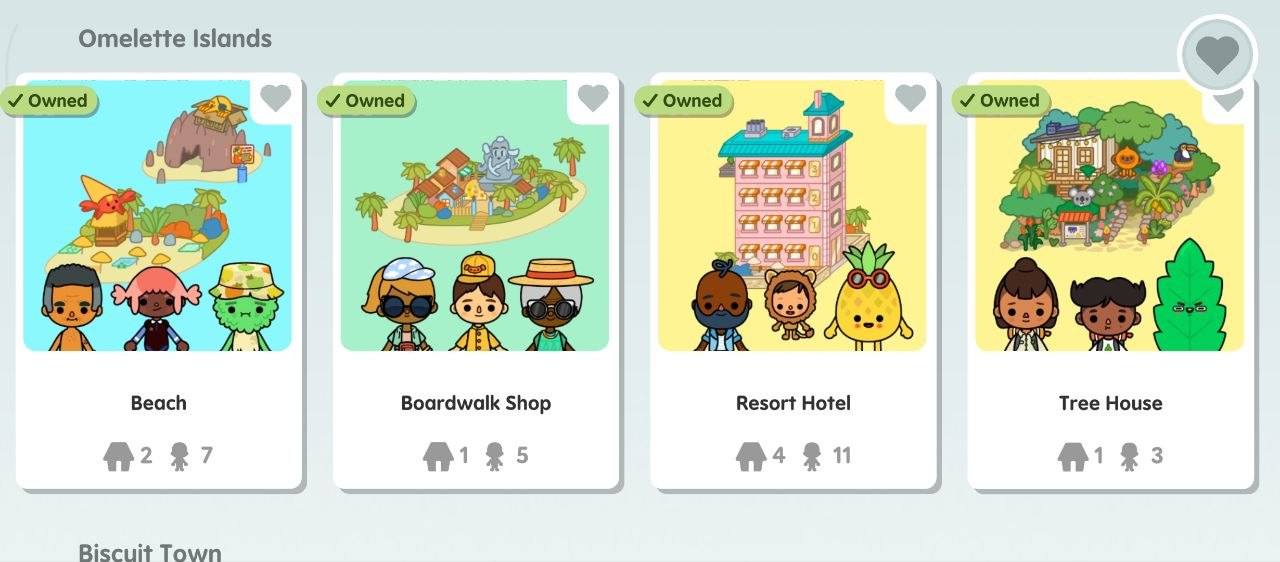
Toca Boca All Unlocked is for players who want more locations, characters, furniture and customization choices for their stories. Choose your cast, move between settings and decorate a home without limiting every idea to the starting content.
If you need help
Tell Bocamod your device model and the step reached. For an offer that has not registered, use the access provider’s help option. For iOS installation questions, open the detailed guide below.