
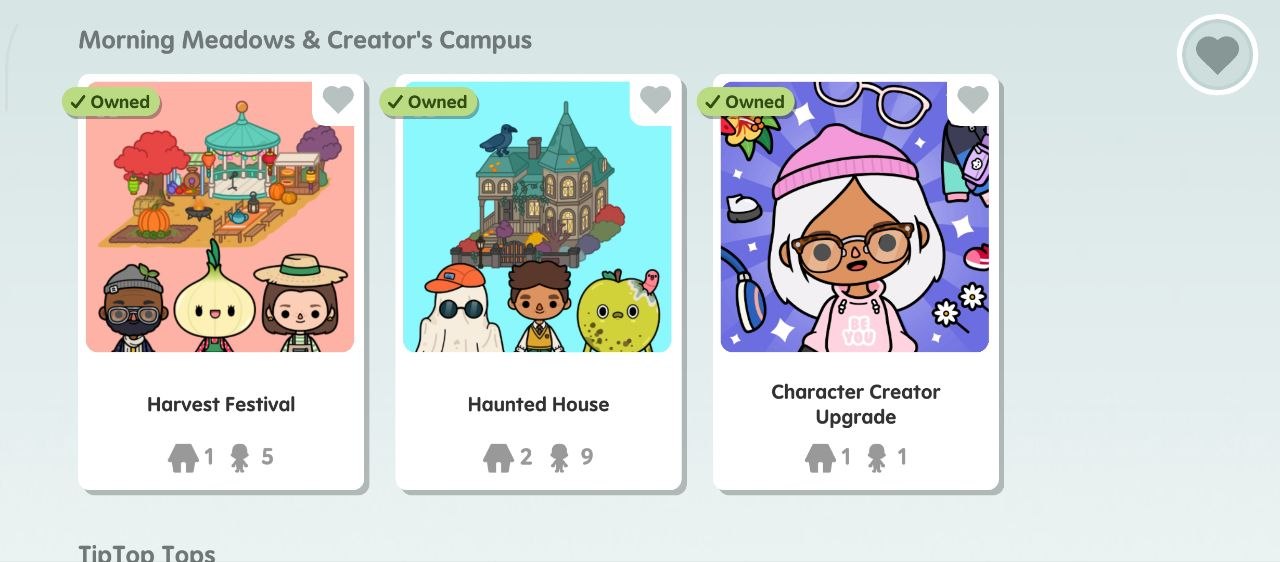
Download and set up Toca Boca MOD APK All Unlocked for Android through Bocamod. The Android route is for the APK edition, with unlocked content for exploring locations, creating characters and decorating homes.
Check the device first
Find your Android version and free space in Settings. Keep a note of the game version already installed, if any. Capture important rooms before making changes; do not uninstall the game merely to make room for another package.
Use the Android route
- Visit Bocamod and choose Android.
- Wait for download preparation to finish.
- Tap Verify & Download and complete the access instructions.
- Download the Android package and follow its installation steps.
- Follow Android’s own prompts and keep device protection enabled.
Once installation completes, open Toca Boca World and check the available locations, characters and furniture. Keep the access page available until you have finished the setup steps.
An APK offered for another app or platform is not made compatible by renaming it. If installation fails, note the exact error instead of repeatedly downloading different copies.
Existing app conflicts
“App not installed” can have several causes, including compatibility, incomplete files or a package that cannot replace the installed app. Do not remove the working copy until you understand the impact on your creations and purchases.