
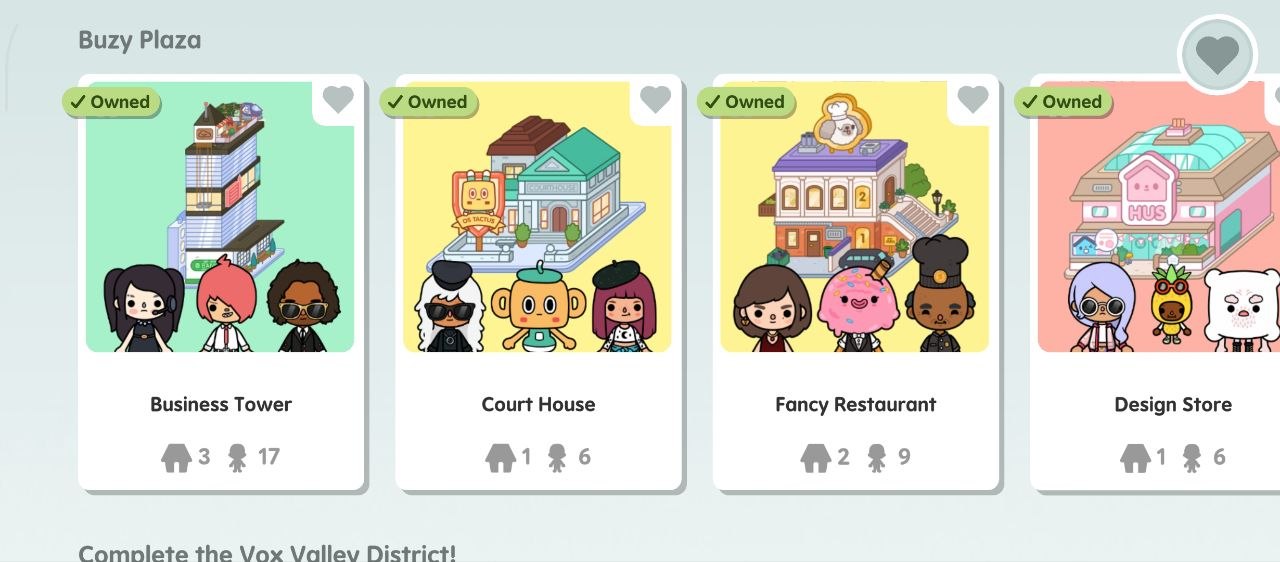
Before changing a Toca Boca installation, separate room designs, local app data and purchases tied to a store account. Preserving one does not prove you have preserved the others.
A before-update checklist
- Exit the location and return to the map.
- Capture favorite rooms and custom characters.
- Note the app version, device model and installation source.
- Keep purchase receipts in the account that made them.
- Read the support instructions before replacing the app.
Screenshots are a visual record, not an importable game backup.
Moving to another Android device
The publisher’s Google Play guidance depends on the same Google Play account for eligible purchases. A different store, account or package can change what is recognized. Purchase restoration is not a promise that local creations transfer.
Avoid destructive cleanup
“Clear data,” “Clear storage” and uninstalling can remove information you intend to keep. Read the exact prompt instead of following a generic cleanup video. If a room resets, record what happened before trying another change. Keeping the last working state is more useful than several unrecorded attempts.