
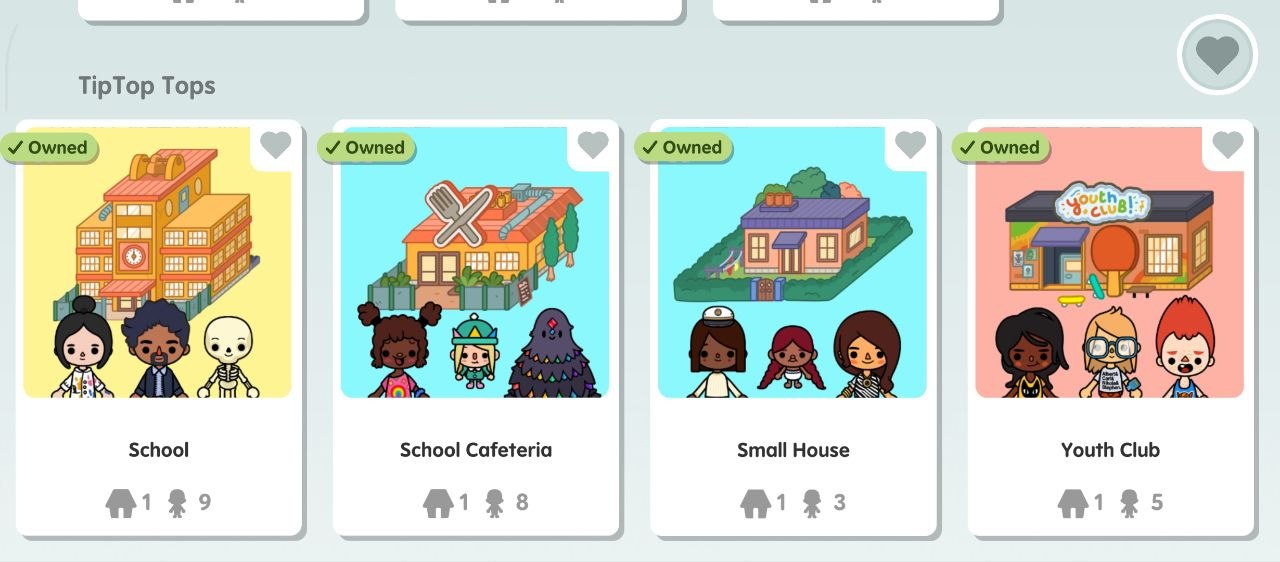
Get Toca Boca All Unlocked on iPhone or iPad through Bocamod’s iOS download route. Start on the homepage, choose iPhone and follow the access and installation steps for your Apple device.
Before you start
Check your model, software version and available storage. If you already have Toca Boca World installed, note its version and capture your favorite room designs before considering a replacement. Purchase restoration and saved creations are different things.
Follow the iPhone route on Bocamod
- Open the Bocamod homepage on your device.
- Choose iPhone and wait for preparation to finish.
- Tap Verify & Download to continue.
- Complete the access instructions shown on the next page.
- Follow the iOS installation method provided for your device.
Keep the access page open while you complete its steps. If a step does not register, use the help option on that page or visit Bocamod download help.
Installing an IPA on iOS
An IPA is the application package used by an iOS installation method. Follow the supplied instructions for distribution, signing and device compatibility; opening a file in Safari alone does not install it. An Android APK cannot be used on iPhone or iPad.
After installation, open Toca Boca World and explore its locations, characters and Home Designer content. If you need setup help, contact support@bocamod.com with your device model and the exact step you reached.