
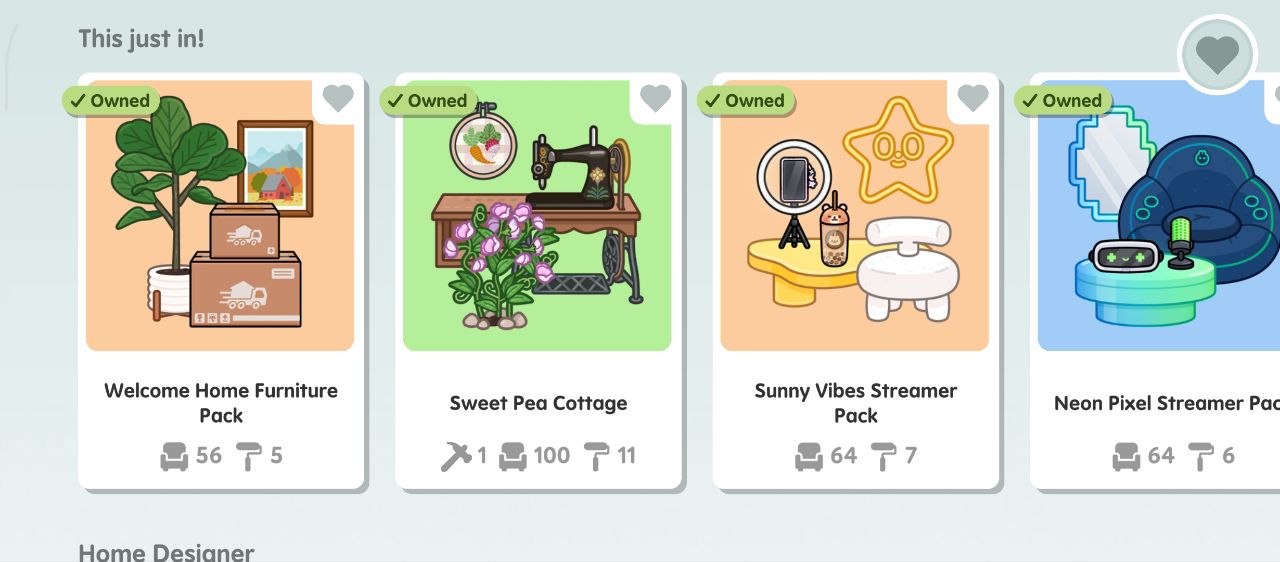
A useful Toca Boca post tells viewers what you made and what to notice. Prepare the scene first, then choose the image and caption together.
Capture a clear view
Take a wide image that shows the setting and a closer image for the main detail. Keep original screenshots before cropping. Check that menus or selection states do not cover the subject.
Write a specific caption
Describe the idea: “a small bedroom with a warm reading corner” is more useful than “best room ever.” Mention a design choice, a character’s goal or the change between two images.
If a screenshot shows a catalog or preview, say so. Do not describe it as proof that every pack is available or an installation succeeded.
Review personal information
Look for notifications, account details or unrelated content around the image. Remove those from the frame before sharing. Use the privacy settings appropriate to the platform and review posting with a parent or guardian where needed.
Keep a record
Save the caption beside the original image with a short scene title. That makes it easier to build a series and credit collaborators later. Sharing a finished idea should not require publishing private device or account information.