
Test offline play on your Android device before you need it. Your installed version and available locations matter more than a general claim on a download page.
Make a pre-trip check
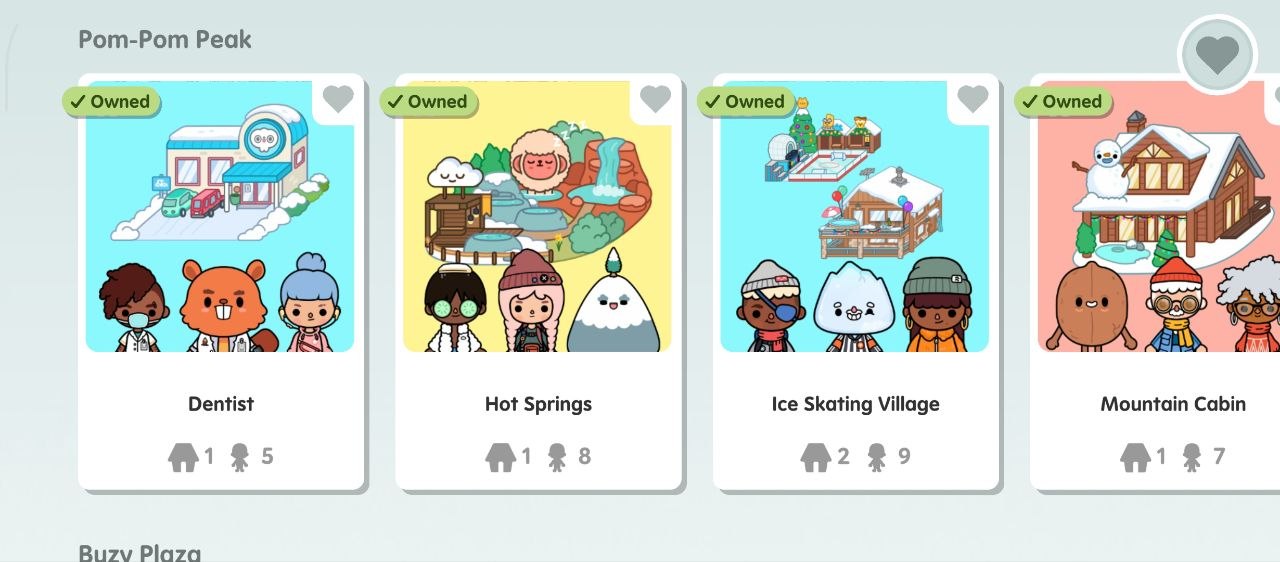
Open the game while connected and choose a location you already use. Return to the map, then test without Wi-Fi or mobile data. Check that the location opens and the objects you need are present.
If you use a tablet with no mobile connection, do this before leaving Wi-Fi. A successful website visit does not show whether the installed game will work offline.
Separate online tasks from play
Access pages, offers, installation and updates need their own connection. The publisher also notes that the in-game shop and some features are unavailable offline. Do not plan a session around obtaining something new mid-trip.
Prepare a small challenge
Pick a café, house or other available setting. Give each character one job and invent a problem with the items already there. A misplaced lunch or a room swap can carry a full story.
Return to the map when finished. Once connected again, check online services normally rather than assuming that an offline restriction means content was lost.