
“No ads” is incomplete without saying where. A game, download page, browser notification and access provider can each show different content. Find the source before deciding another APK is the answer.
Check what is open
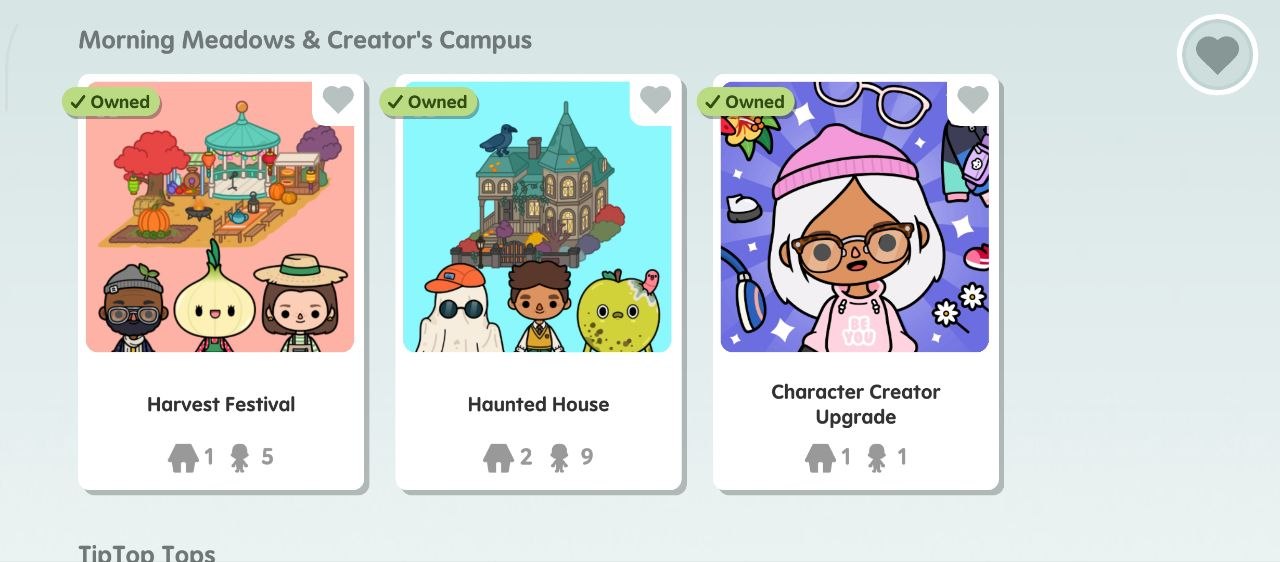
Use Android’s app switcher to identify the app showing the screen. If it is a browser, note the page address. If it is Toca Boca World, note whether you are in a location, menu or shop.
Do not confuse a store offer for extra game content with a browser page that opened after following a link.
Compare the actual installation
A description of the standard game does not verify a modified package. An APK name containing “no ads” is a claim, not evidence of its behavior. Compare the source and the screen you can reproduce.
Get useful help
For Bocamod, include your device and the step reached. For an access offer, follow the provider’s instructions. For an in-game issue, record the app version and screen.
Keep unfamiliar tabs separate from the game while investigating. Changing packages without first identifying the source can introduce a second problem without solving the original one.