
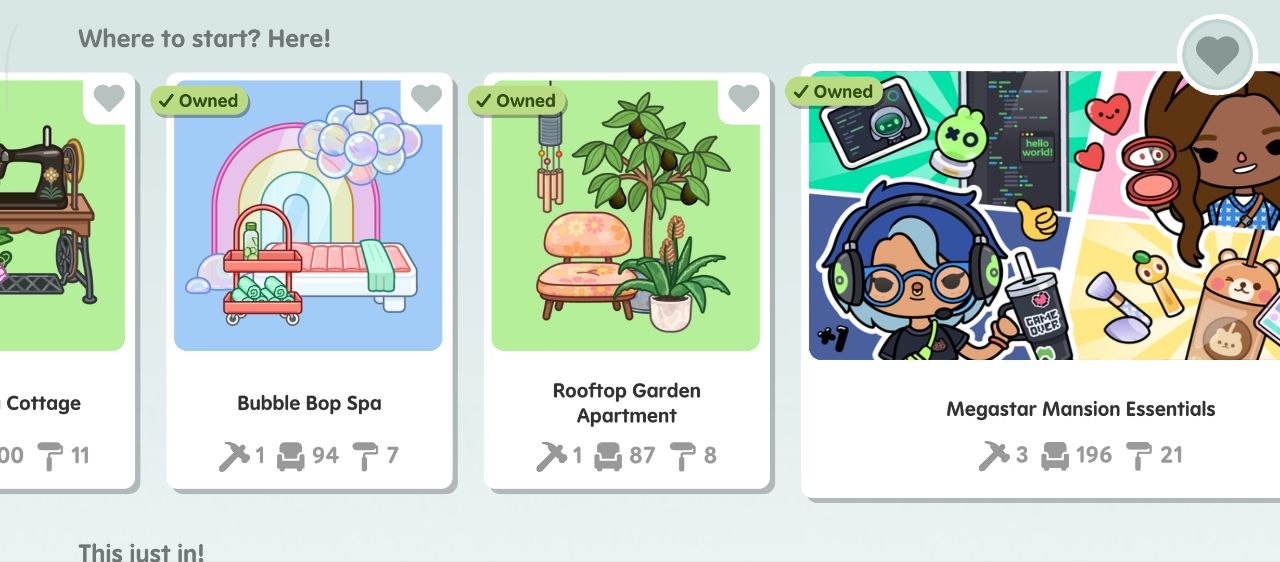
Unlocked furniture gives you more ways to build a home in the Toca Boca IPA edition. Use beds, seating, tables, lighting and decorations to give each room its own purpose.
Start with Home Designer
Choose a house and open the available furniture categories. Place the large pieces first so the room has a clear layout before adding small props. A bedroom, kitchen and living room each need a different starting arrangement.
Combine furniture by purpose
You do not need to use a single themed pack throughout a house. Connect different pieces with a repeated color or material, then add objects that fit the character living there.
On iPhone, keep important props easy to select. On iPad, use the wider view to compare how neighboring areas work together.
Try the room with your characters
Bring in the cast and act out the room’s main activity. If a table or decoration hides the important interaction, rearrange it. Unlocked choices are most useful when they support the scene.
Choose iPhone on Bocamod to begin the iOS access route. For a particular furniture pack, use the content available in that release as your reference.